Organise things where you are already talking — in the chat with friends, club mates or colleagues. Tasks, shopping list, cash book, duty roster and much more attach to your chat, just as you need them. Instead of a dozen apps that harvest your data. Take back your digital sovereignty.
Tasks for your shared flat, events for your club or materials for your team: with the right modules, your chat becomes a shared tool for everyday life.
Small interactive demos help you explore how it works. Choose travel planning or material ordering and try the workflow yourself.
TRY THE APP
Whether it is office supplies, stock for field staff or cable for the construction site: with JCH, your team records what is needed and follows its progress together in the chat.
A fitter records the request on site: quantity, cable type and delivery day. An order notification appears in the team channel. The office reviews the request, orders from the supplier and sets the status to “Ordered”. When the cable arrives, the fitter ticks off the delivery.
Everyone can see what is needed, what has been ordered and what has already arrived.
Interactive recreation based on the app views. Sample data only; no real orders. Status actions show the moderation’s perspective. PDF export is not included here.
PLAN TOGETHER
A New Year’s trip to Berlin: plan the itinerary together and keep accommodation details in the same chat.
Chris and Willi are heading to Berlin. The hotel is already booked. They collect their plans, add activities and keep check-in times and booking details in their shared trip.
Interactive recreation with sample data. No bookings or real notifications. Adding further modules is simulated. This demo covers trips, appointments and accommodation; transport, documents, packing and budget are not included.
Explore the app: chats, communities, calls and modules in different themes.
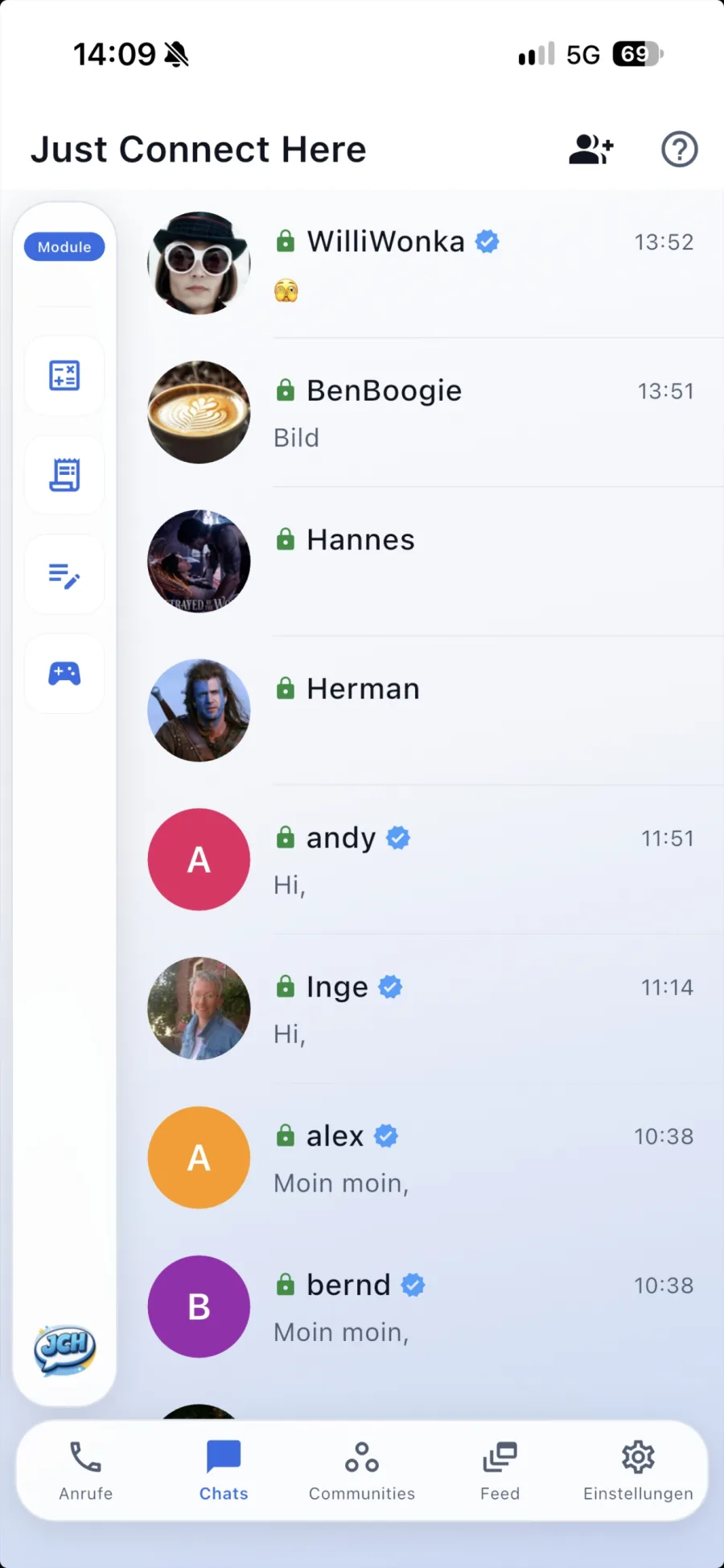
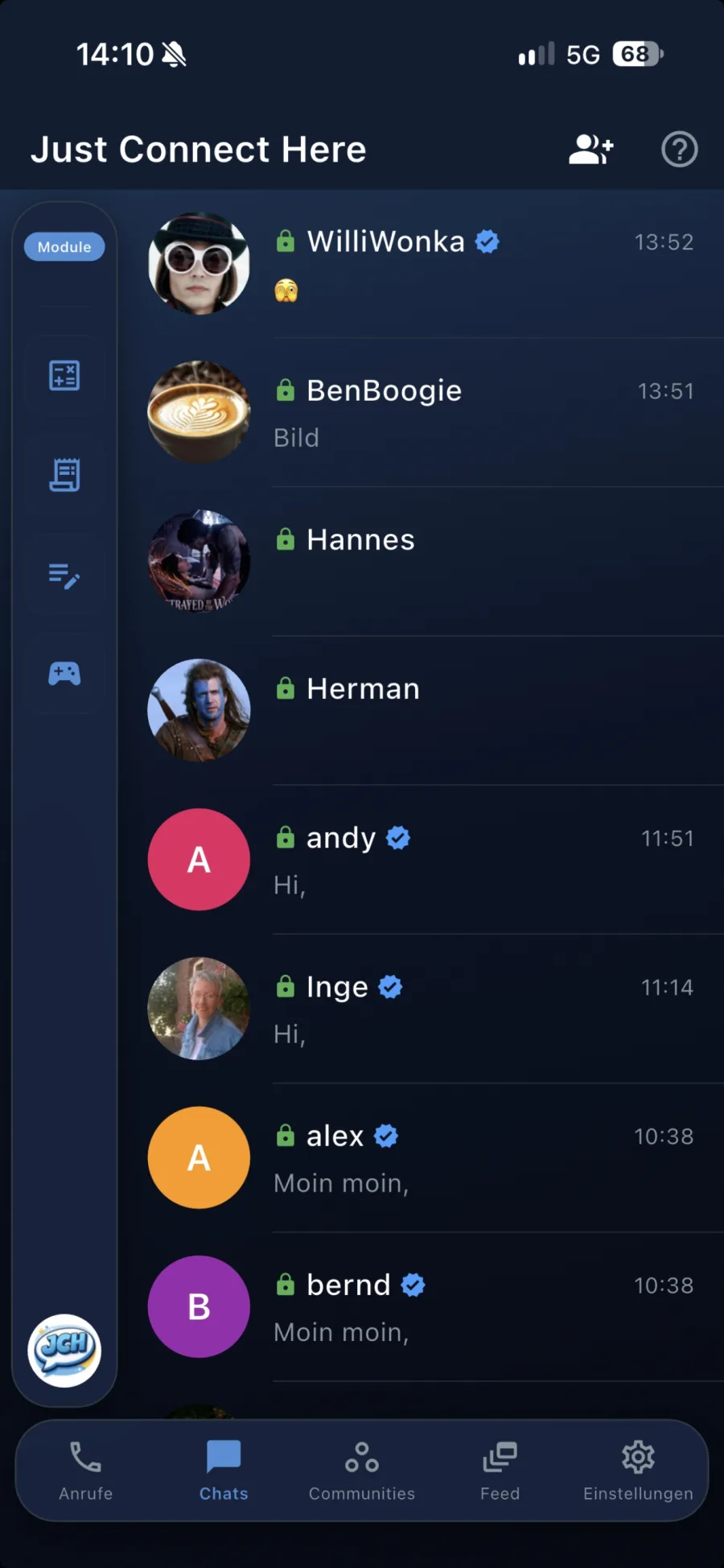
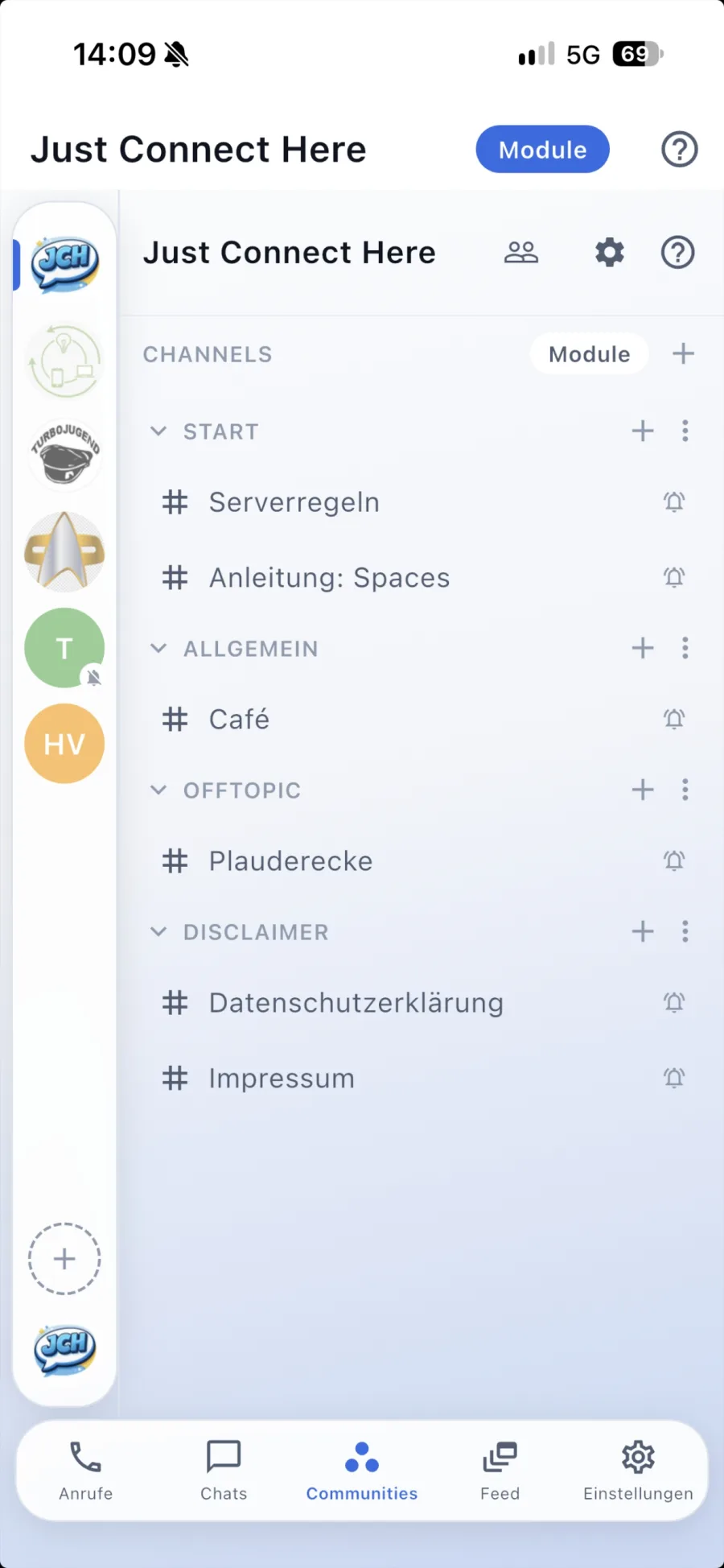
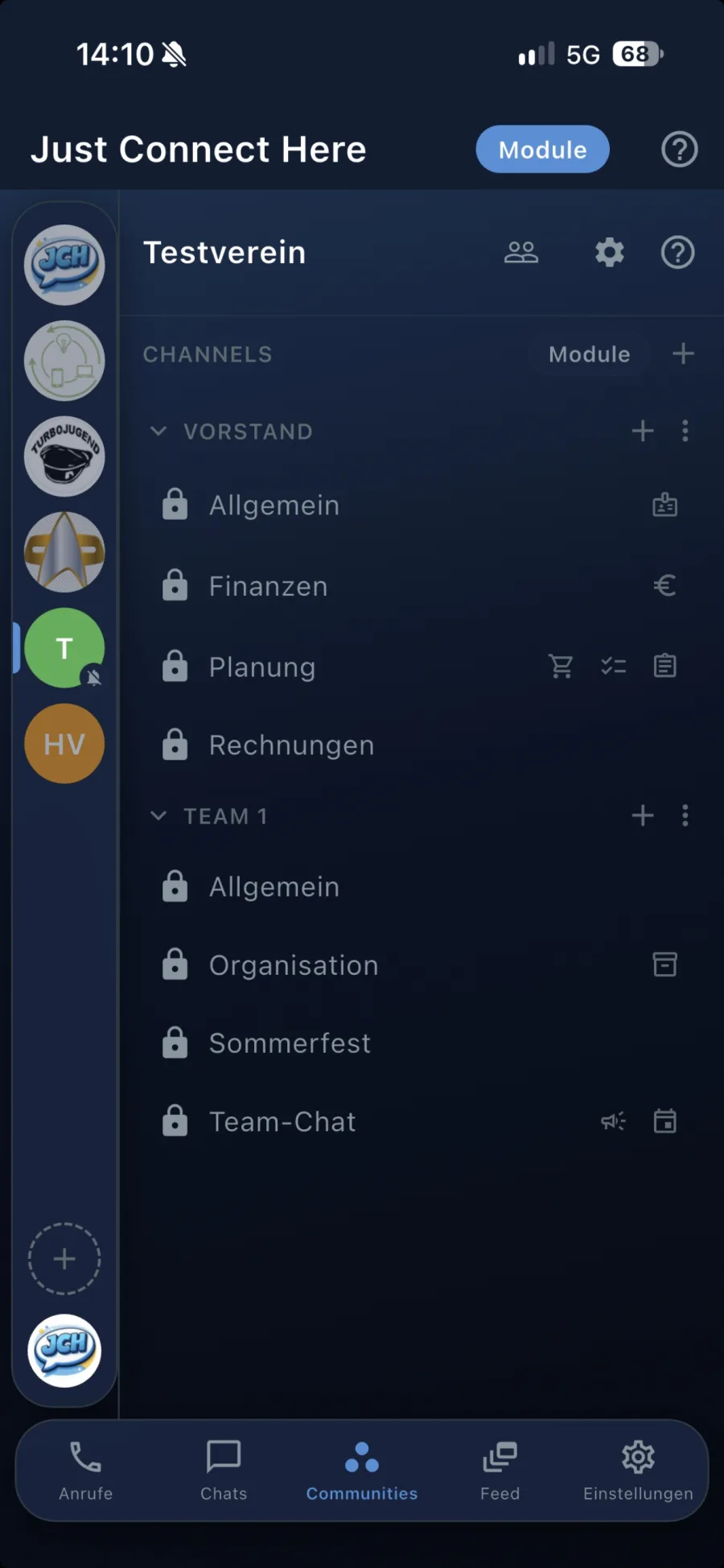
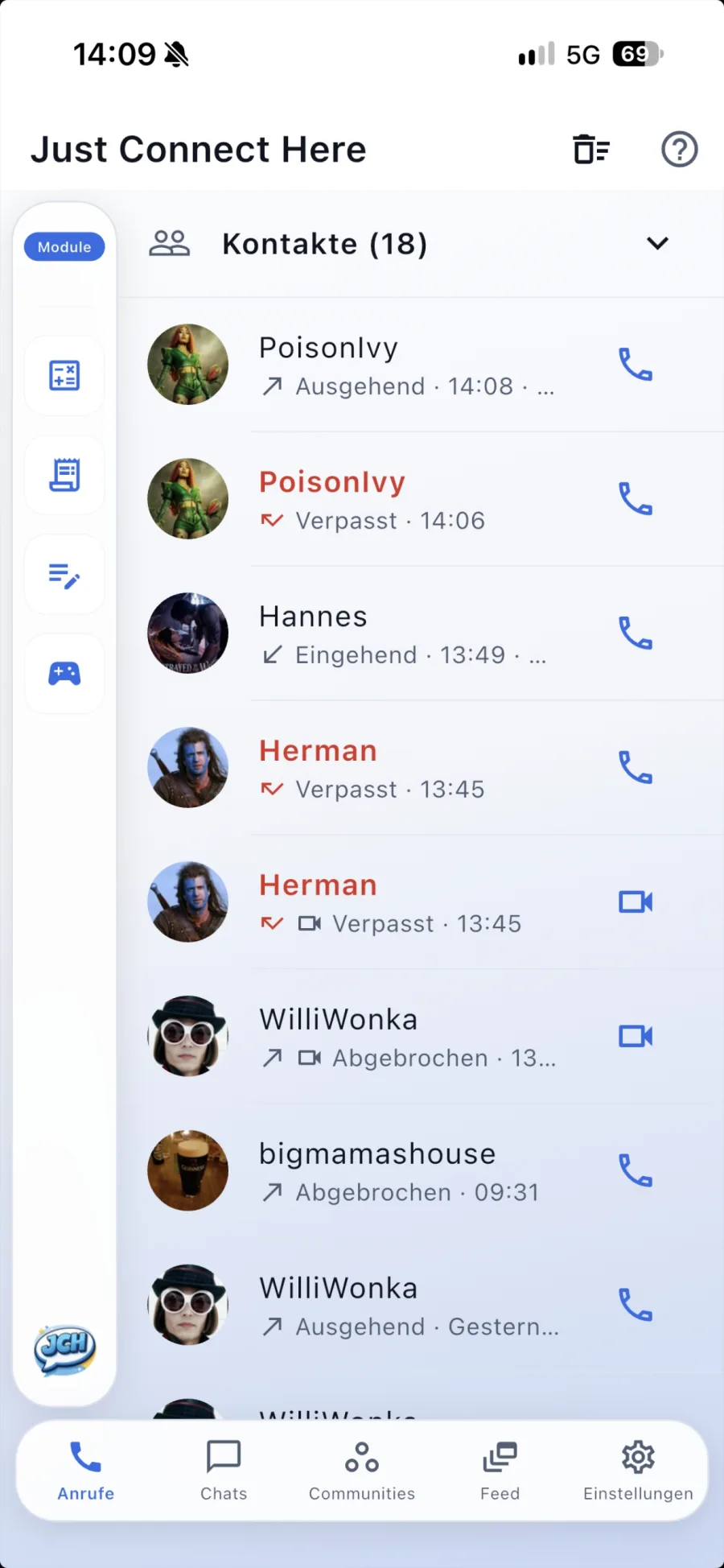
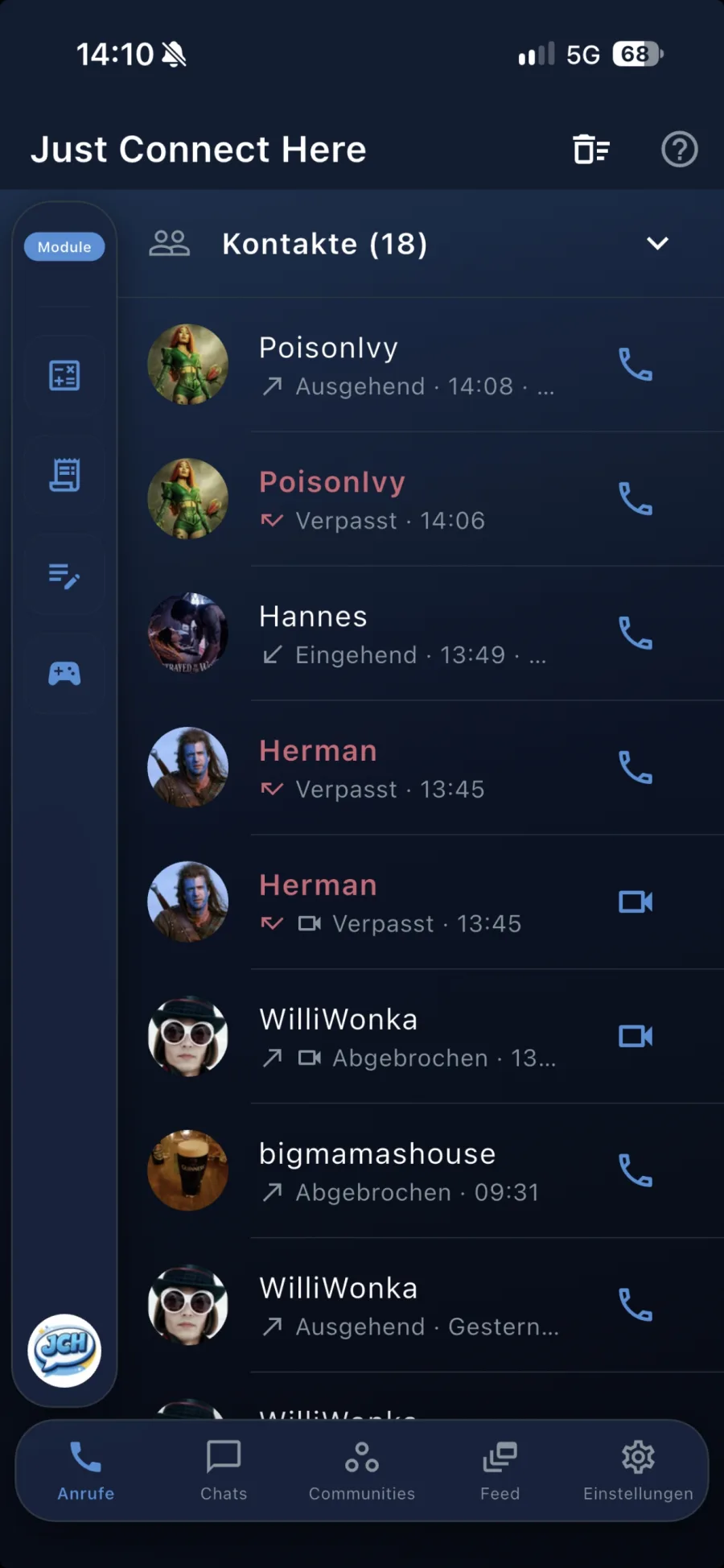
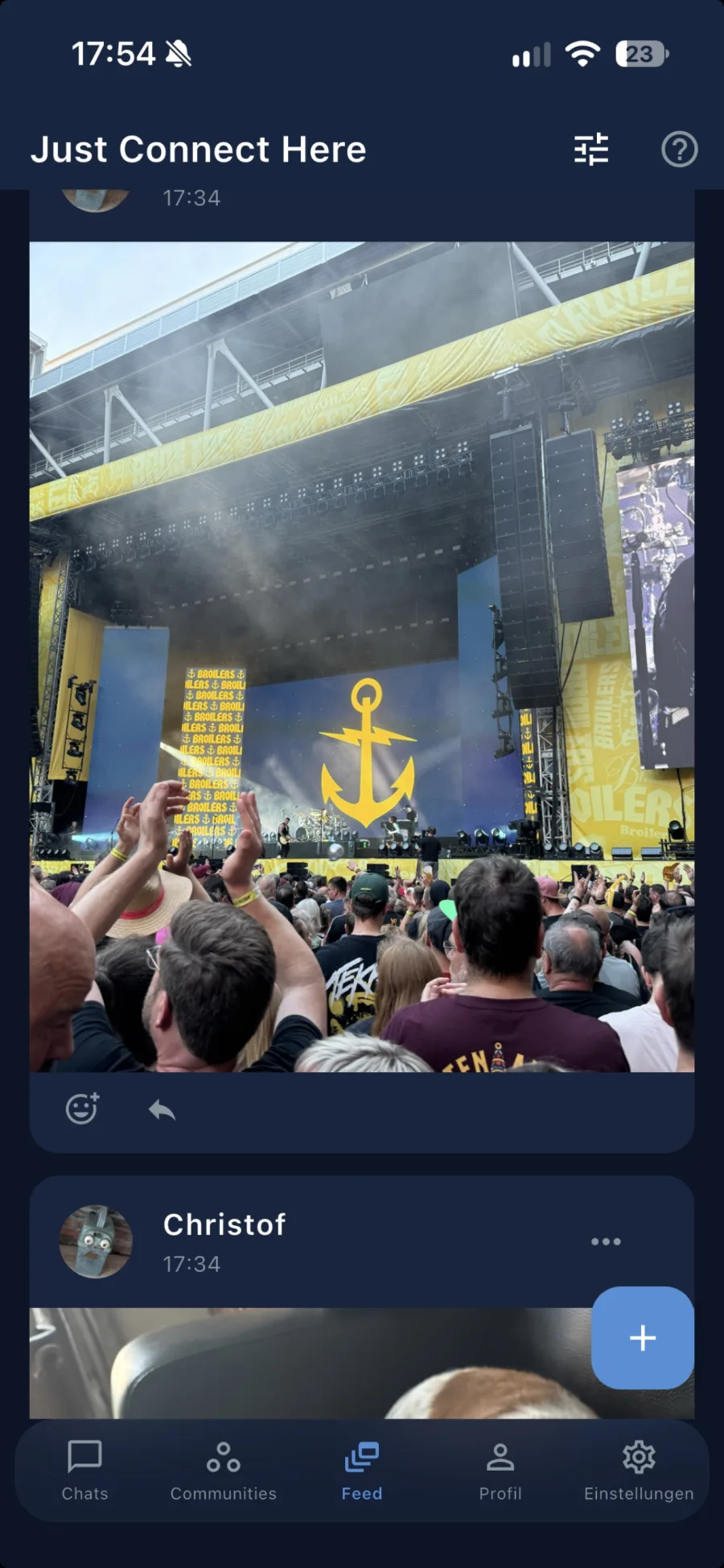
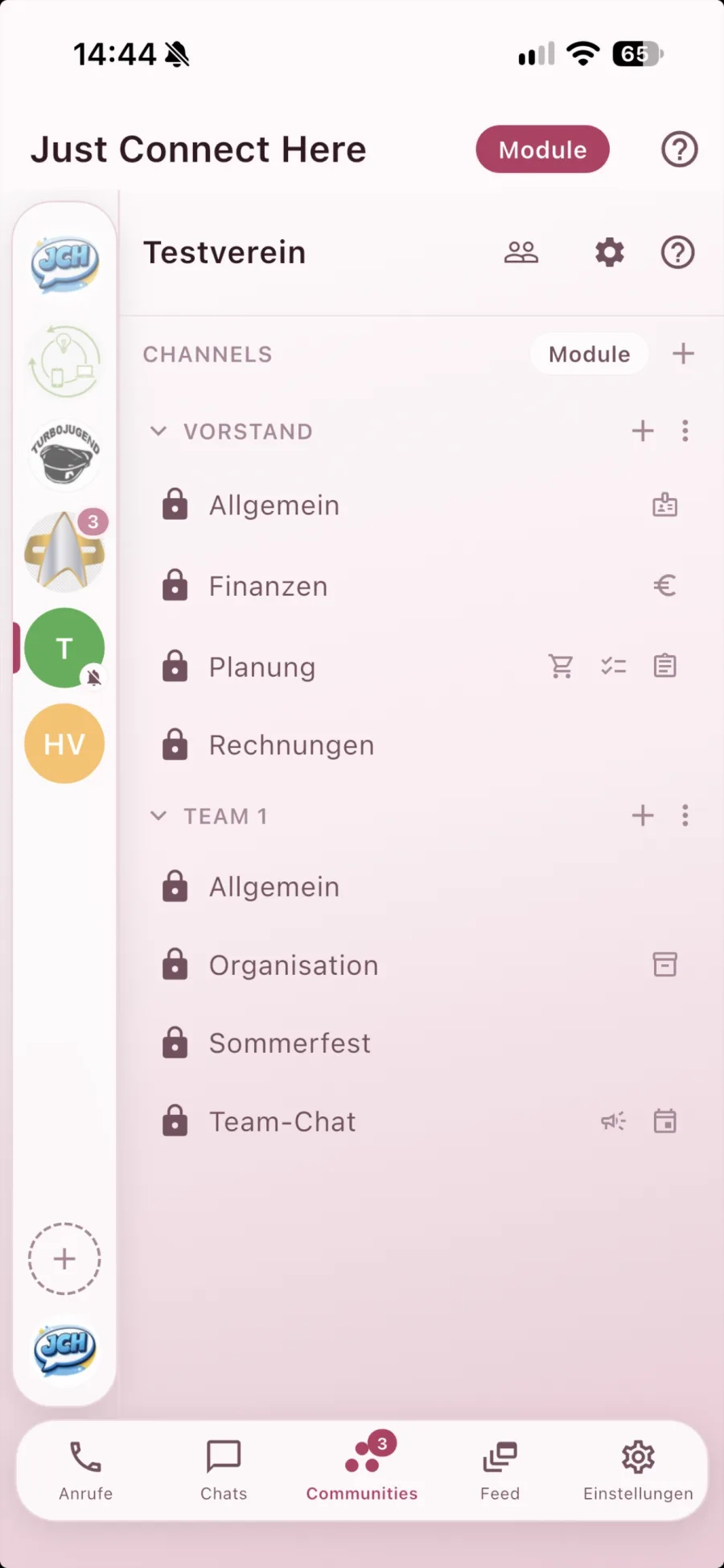
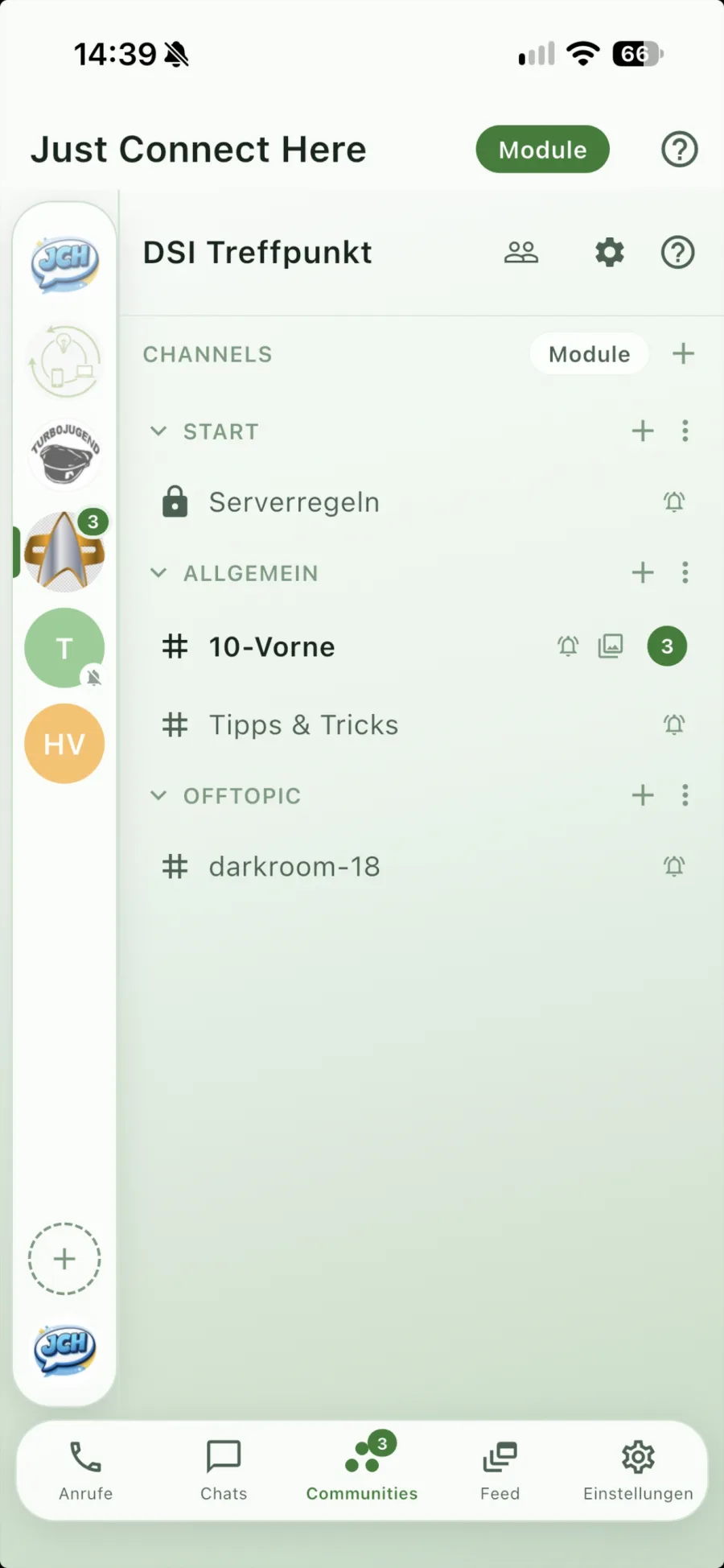
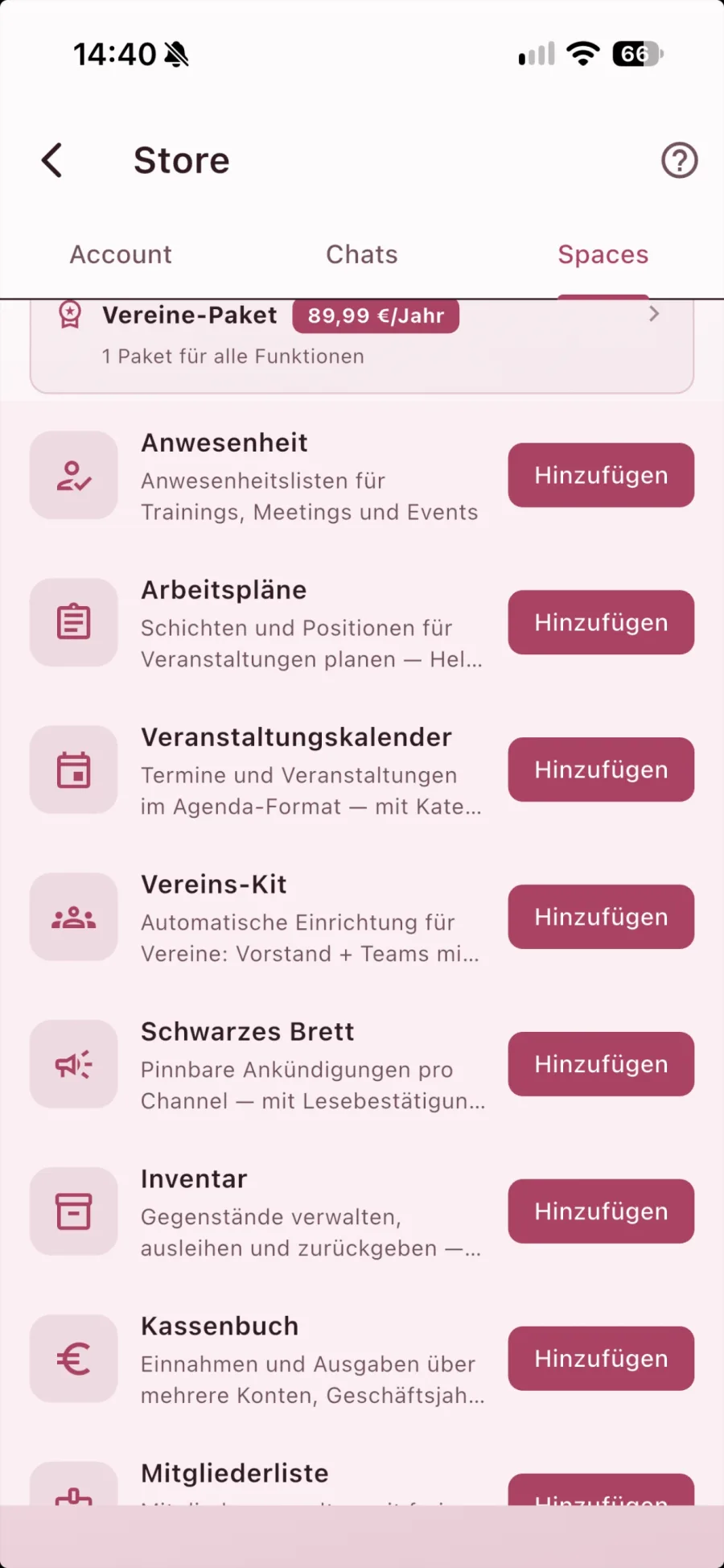
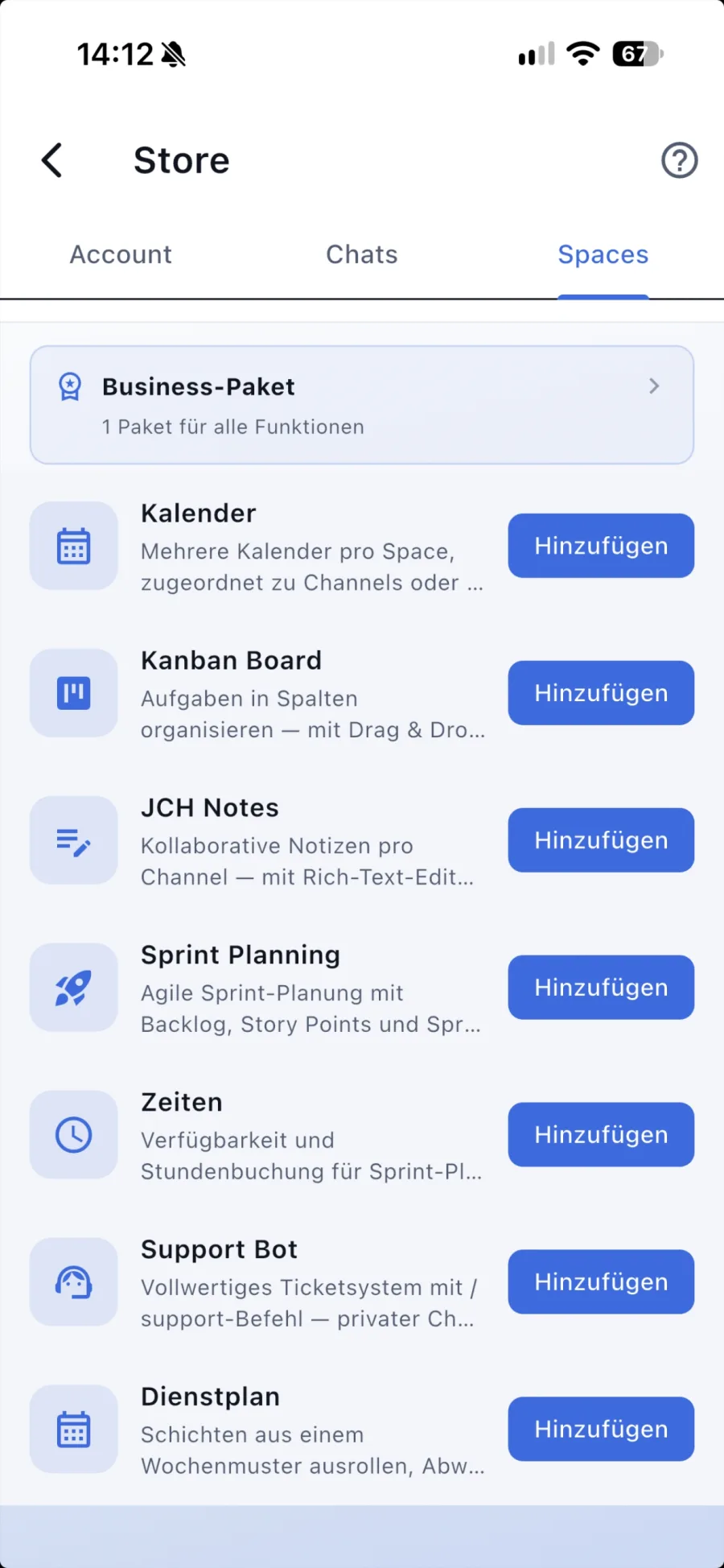
… and many more.
Encryption is the foundation — on top of it comes everything you keep in your own hands.
Chats, calls and files — only sender and recipient can read them. Group video calls with up to 50 participants, screen sharing included.
All data in a German data centre. No third-country transfer, GDPR compliant.
The database and downloaded media are stored encrypted. The key is bound to the device and never travels into an iCloud or Google backup.
The app does not read your contacts — it does not even ask. Connections happen through your profile link, an invite code or a QR code. Nobody finds you just because they have your number in their phone.
Off by default — switch it on in the settings if you want it. Then a keyboard that ships with the app replaces the system one: no keystroke leaves the app. If you prefer your usual keyboard, it can be set to incognito — no learning, no suggestions.
Apple and Google only learn that something has arrived — never from whom or what. The app fetches the content from our server in Germany. No analytics service, no advertising ID.
Read receipts and online status can be turned off individually, the app locks with Face ID or fingerprint, and if you like, only verified users may message you.
A name is enough to sign up. No number, no ads, no trackers.
Appointments, notes, lists and the cash book are stored on the server encrypted only. Protected areas get their own key, held by their members alone.
Attach to any chat exactly what you need right now — switched on one by one, free of charge.
Who does what? Who is doing the shopping? One shared list in the chat instead of five messages in a row.
Shared appointments, plus polls and date-finding for the group.
Plan the trip, note the stages, split the costs — all in the travel group's chat.
Encrypted notes with folders and images — for your eyes only.
Who paid for what? Run a tab, split the tip, keep the group kitty.
Draw generator, calculator, score counter and a few little games.
A space bundles channels, roles and permissions — and carries the club package on top.
Automatically creates channels and roles in your space — board, members, guests, each with fitting permissions.
Record members, import from CSV — and linked to the cash book: you manage membership fees right where the money is booked.
Income and expenses with receipts — encrypted and readable by the board only. Receipts simply go into a designated channel; the treasurer imports and books them all with one click.
Notices for everyone, plus an event calendar with RSVP.
Who was at training, who takes which shift at the summer party.
What the club owns, where it is, who has it right now.
Collect knowledge, share photos — without an extra package.
The board's area gets a key of its own. Anyone outside it does not see the content — the server does not either.
From the kanban board to time tracking — in the same tool you are talking in anyway.
Want to see it in action? Try the material order demo →
Clock in and out, flexitime and leave with approval. Billing in industrial hours, time blocks or standard minutes, export as CSV. Everyone sees their own hours only.
Assign shifts, plan courses, manage participants.
Training and onboarding as courses with sections and lessons — right in your team’s space.
Tasks as a board, sprints with capacity — without yet another tool.
Master data kept apart from the team channel, for the HR desk only. Everyone sees their own record and changes their address themselves.
Book rooms, vehicles and equipment; plan work with loose time windows.
Requests as tickets, with folders and responsibilities.
Record receipts and settle them — for every account, without a package.
School kit, class register and timetable — for schools and courses.
For clubs, businesses and organisations that want their data on a server of their own — without an IT department.
Your organisation gets its own server under your name — name.just-connect-here.de. We run it for you in Germany; you need no IT of your own. Your data sits there on its own, separated from every other organisation — and you are still part of the Just Connect Here network and can reach its users if you want to.
Accounts, chat history and files live on your server. Everything is end-to-end encrypted — neither your admins nor we can read any content.
Personal single-use links or public links for many — valid for 1, 7 or 30 days and revocable at any time. Sign in with password, passkey, Apple or Google.
Owner, admin, moderator: you decide who may invite, assign roles and handle reports. A new device signs in via QR code.
Members, invitations, creating spaces, reports, company icon, settings, backup status and audit log — in your own admin area, in German and English. Signing in always requires a second factor.
You decide: closed, internal only, or open to contacts on the public platform. Individual rooms can stay “internal only” if you wish.
Chats, calls, video and administration run over your own server — even if the central platform is disrupted. Only push notifications rely on the central platform and would be affected by an outage.
Group video with up to 50 participants and screen sharing — no extra package.
Updates, daily encrypted off-site backup in Germany and continuous monitoring — you just use the app.
For now, customer servers are available on request only. Get in touch if you are interested. For a concrete offer we just need a few details: who you are, what your server should be called and roughly how many users you expect — we will get back to you.
✉️ Request a customer serverOn the App Store for iPhone and Mac, on Google Play for Android, and for Windows as an installer.
For iPhone, iPad and Mac. Download straight from the App Store.
For Android phones and tablets. Download straight from Google Play.
For Windows 10 and 11 (64-bit). Download and run the setup; the app tells you when a new version is available. Windows warns about an unknown publisher on first launch — choose “More info” and run anyway.
 Just
Just